How to save sales and get reminders
By Rory at Estate Sale Zone · Published
Tap Save on any sale. It goes on your Saved sales page, and we email you the day before it starts, so you don't miss the first morning.
A free account. If you aren't signed in, Save asks you to, then saves the sale and brings you back.
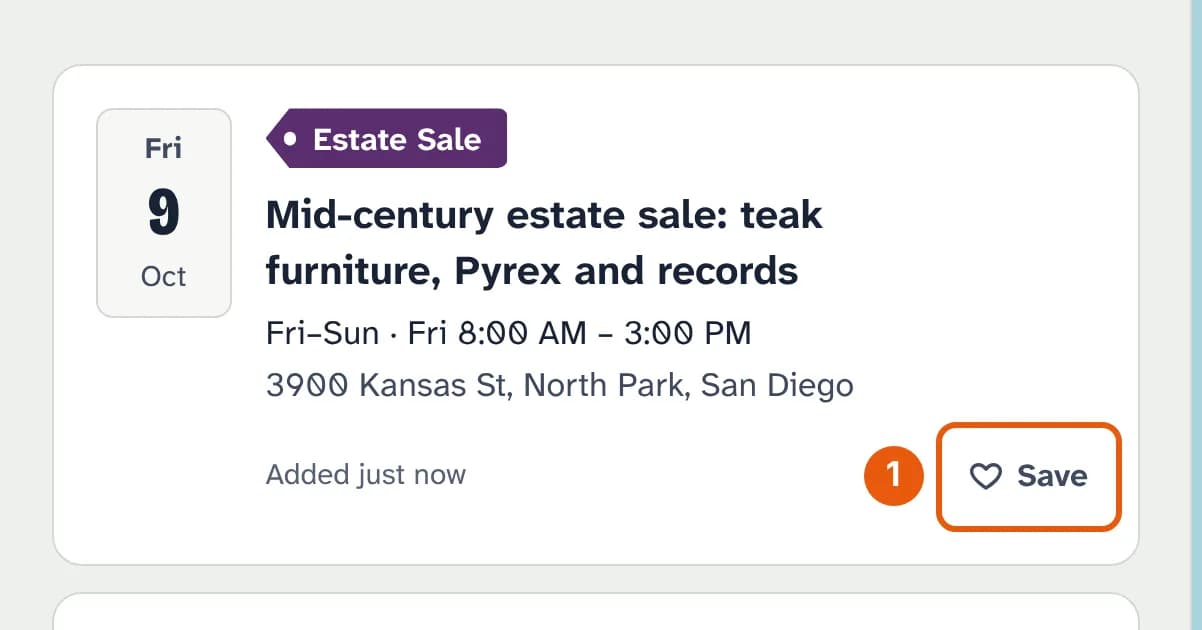
- Save, on the sale in the list or on its page. It turns into Saved; tap it again to take the sale off.
Your saved sales
Saved sales at the top of the page lists the ones coming up, soonest first. Sales that have ended move to Past and removed.
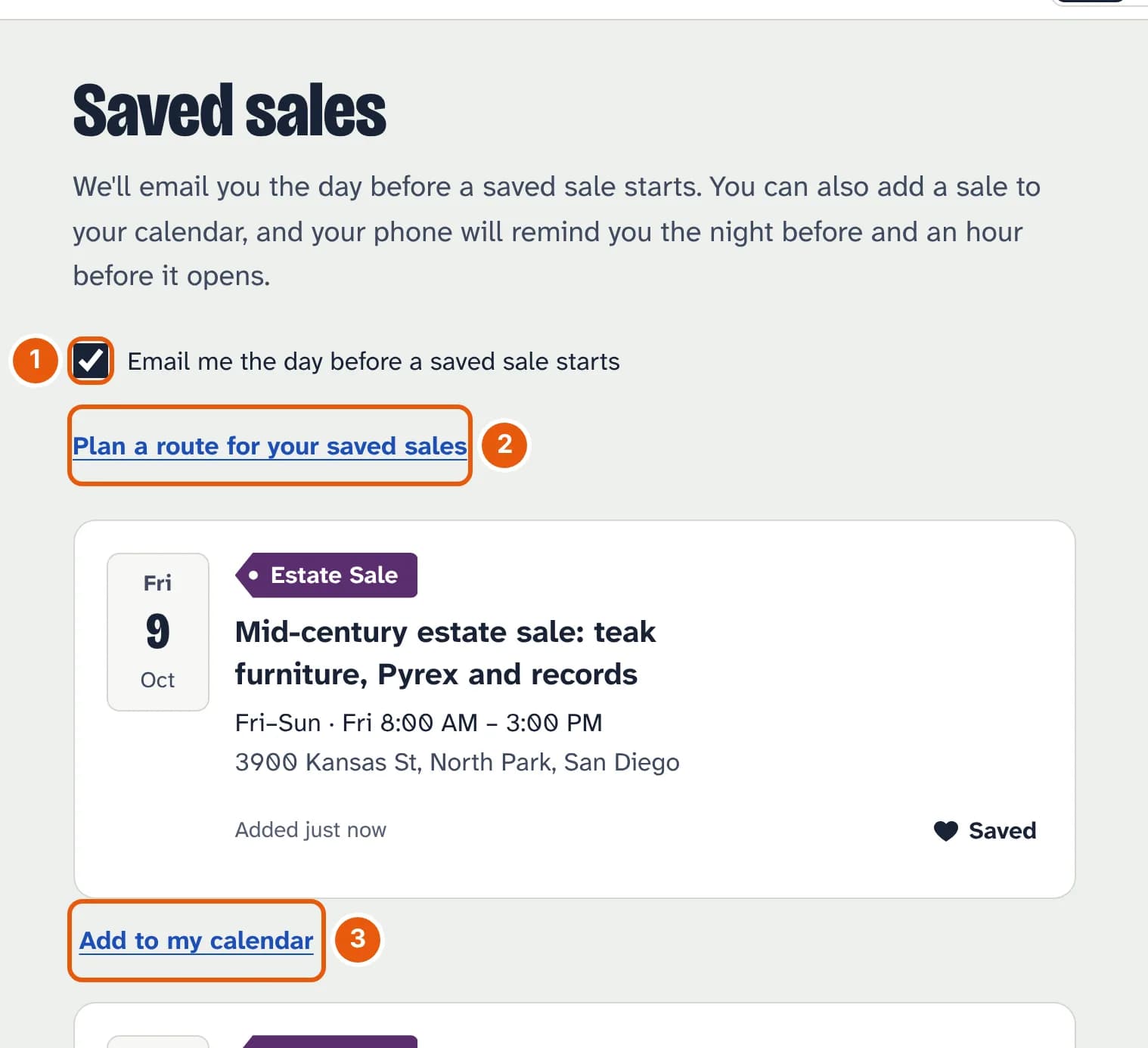
- Email me the day before a saved sale starts. On unless you turn it off. The email goes out around midday the day before; one email covers every saved sale starting the next day.
- Plan a route for your saved sales appears once you've saved two or more (how the route planner works).
- Add to my calendar puts the sale in your phone's calendar, which reminds you the night before and an hour before it opens.
Each reminder email has a Stop these reminders link, which turns the emails off without taking your sales off the list.