How to find where your leftovers can go
By Rory at Estate Sale Zone · Published
Written, edited and reviewed by Rory before publishing. How we make guides
Open After the sale, enter your ZIP code and tap Show what's near me. You get the places that take leftovers in your area, easiest first, each linking to its own website.
Anyone, for San Diego, Los Angeles and Orange County. The email after a sale is for sales posted on the site.
1. Choose your city
Bulky-item pickup is run by each city, so pick yours if it's listed. Services for other cities move to the bottom of each group.
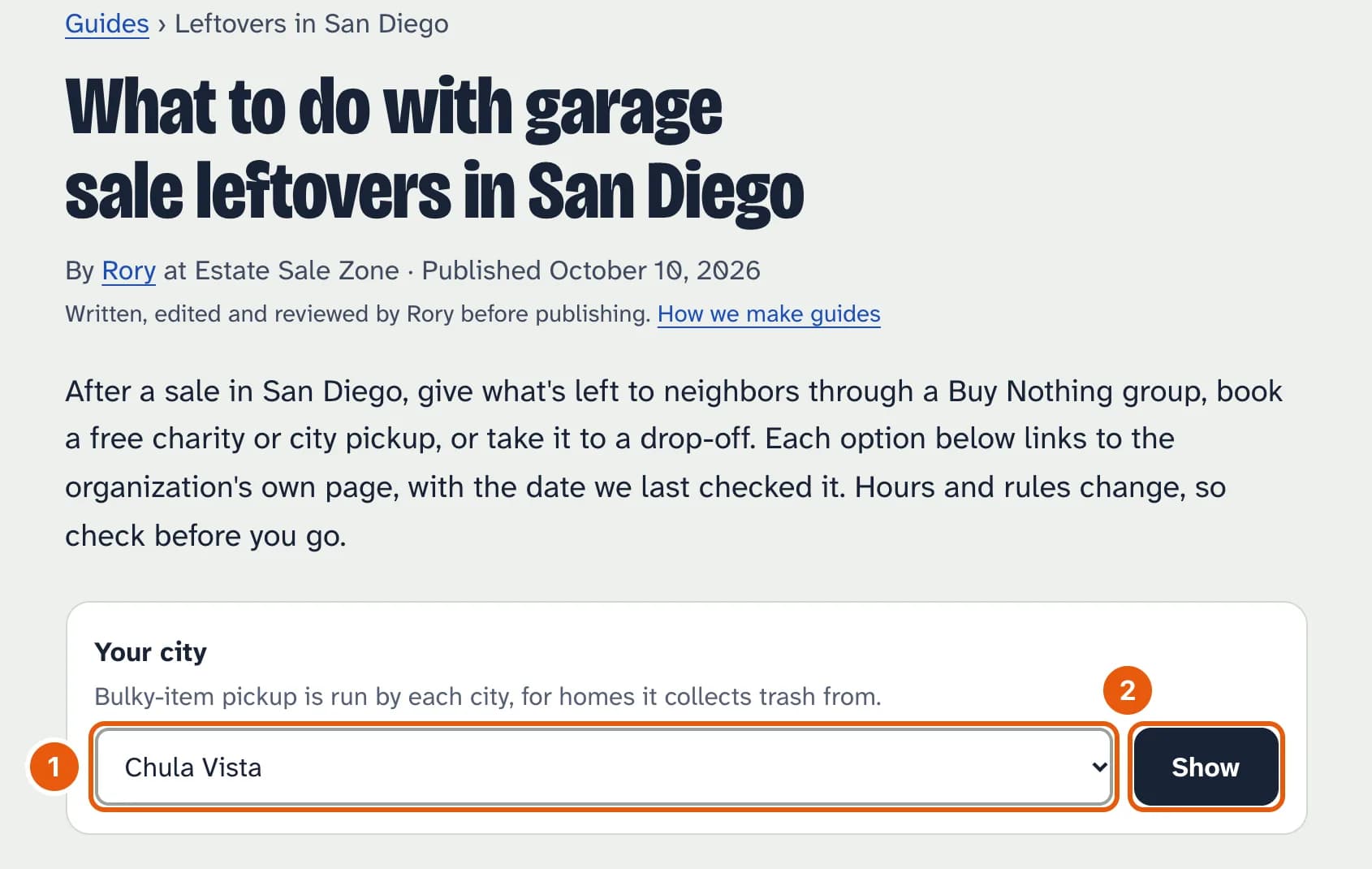
- Your city, or Somewhere else.
- Tap Show.
2. Read the list
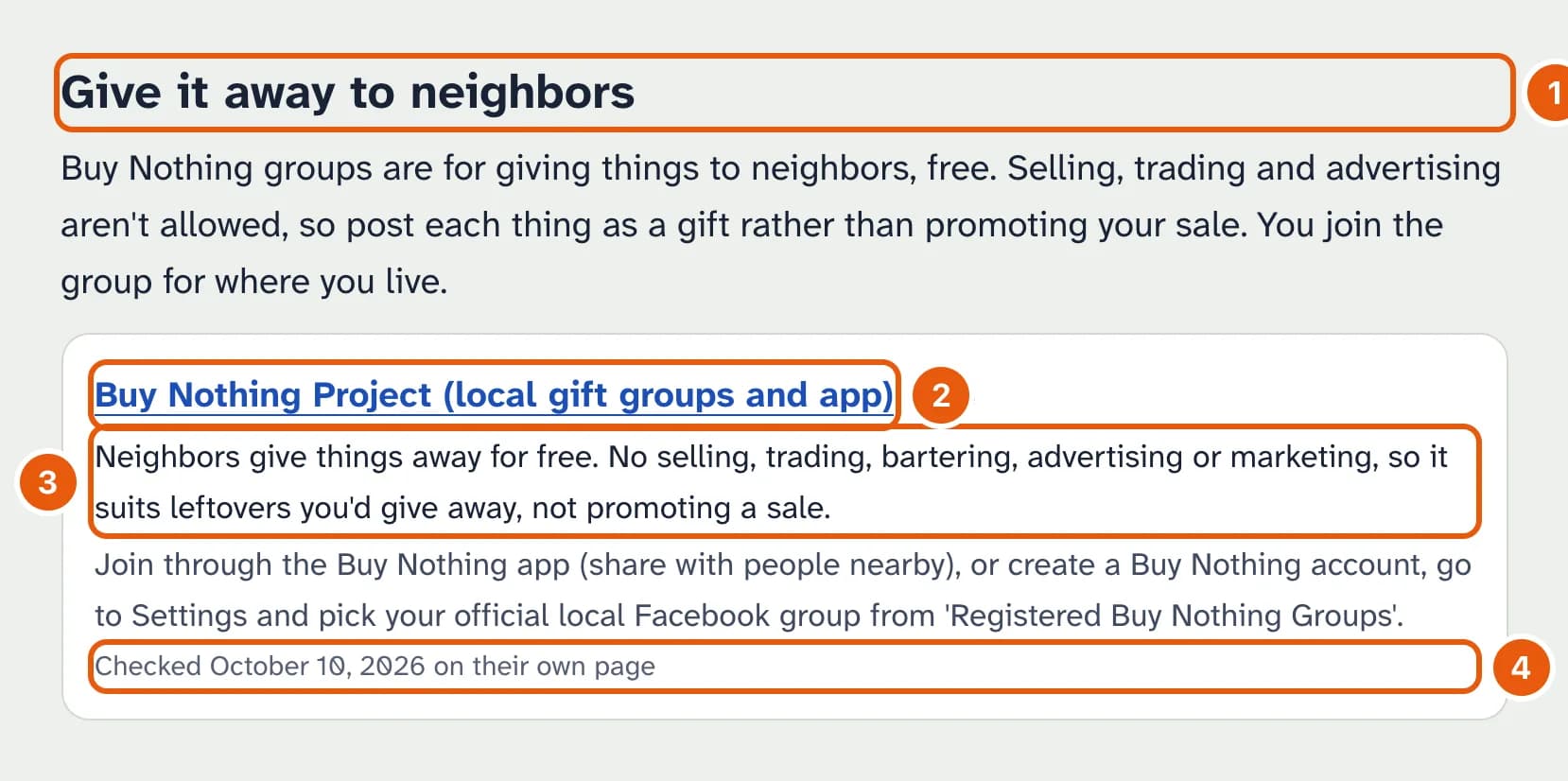
- Each group, easiest first: give it away, pickup, drop-off, junk haulers.
- The organization's name links to its own page. “Free”, “Paid” or “Cost varies” is beside it.
- What it's for and the catch, then how to book or where to go.
- When we last checked it on their page. Hours and rules change, so check before you go.
At the bottom, What goes where lists which places take furniture, mattresses, electronics, paint and the rest. A service that exists but isn't running, such as the City of San Diego's bulky-item pickup, is under Not running right now.
The email after your sale
If you posted your sale on the site, we email you the best few options for its city once it ends, at our next update (6 AM or noon Pacific). To stop these, use the link in the email or untick it under Emails about your sales on Your sales.