How to get emails when new sales are posted
By Rory at Estate Sale Zone · Published
Choose the area, kind of sale and things you want on the home page, then tap Save this search. When a new sale matches it, we email you. If you'd rather have one email a week, sign up for the Thursday newsletter of that weekend's sales instead.
Saved searches take a free account, which keeps one search and emails once a day. The Paid plan keeps as many as you like and emails after every update of the listings (twice a day for now). The newsletter needs no account.
Save a search
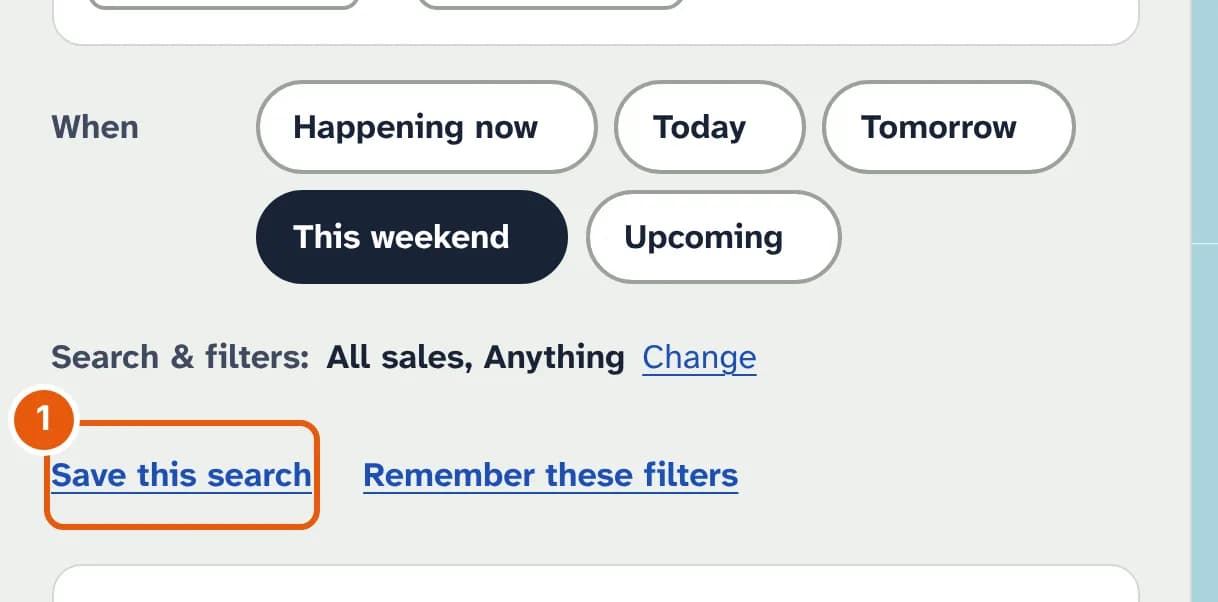
- Save this search keeps the area or distance, the kind of sale, the category and any words you searched for. It doesn't keep the days: alerts are about every new sale that matches.
Beside it, Remember these filters is different: it opens the site with your usual filters next time, and sends no email.
Manage your saved searches
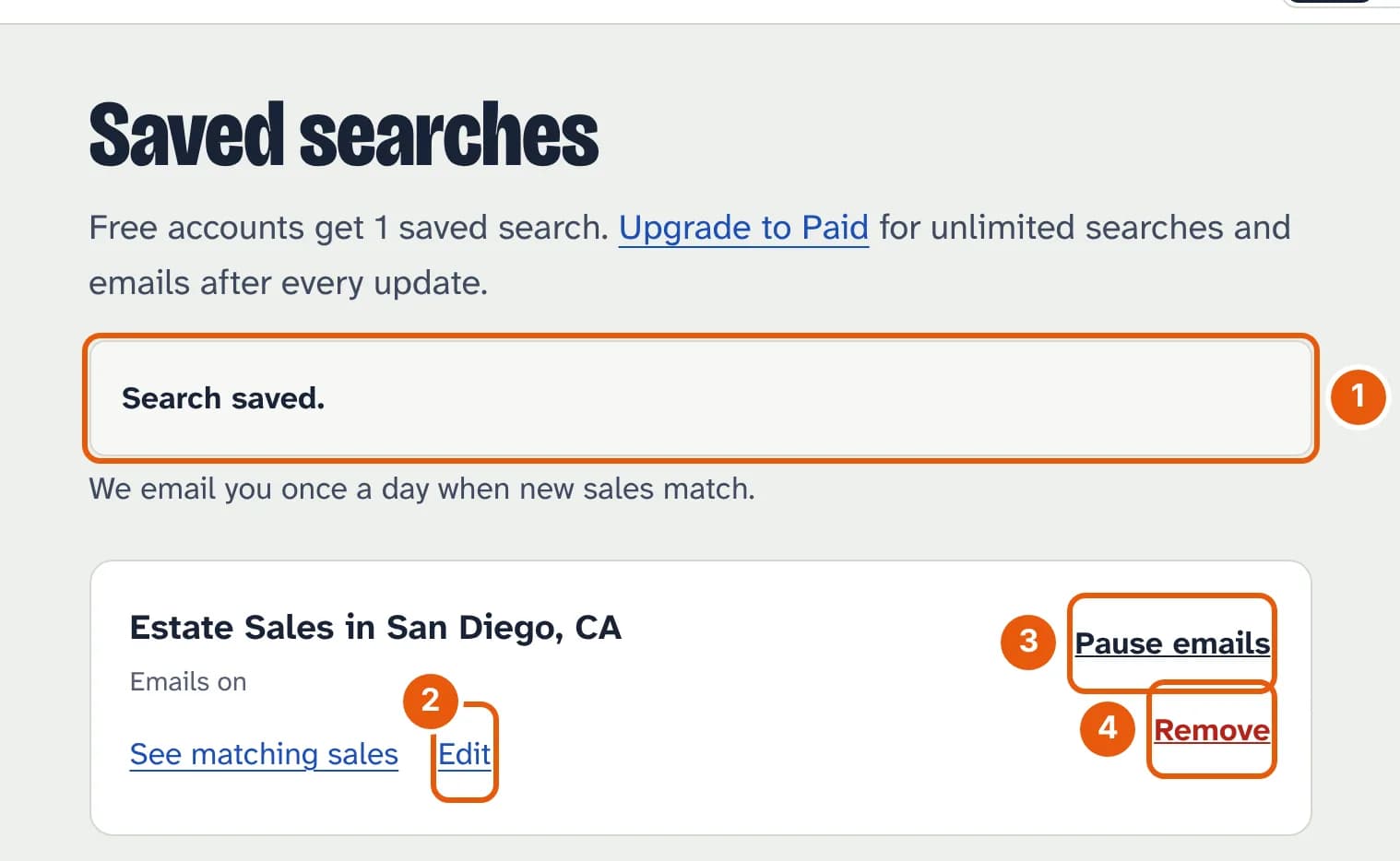
- The search is saved, and the line under it says how often we'll email.
- Edit the kinds of sale, the category or the words.
- Pause emails keeps the search and stops its emails until you resume them.
- Remove deletes it. On a free account, that makes room to save a different one.
Each email lists up to 10 new sales, with a link to the rest, and only sales posted after you saved the search. The Stop emails for this search link in it pauses that search.
The Thursday newsletter
Every Thursday at 7 am we email the estate, garage and yard sales on that weekend, Friday to Sunday, in your area: estate sales first, then the rest, grouped by town. The form is at the bottom of every page.
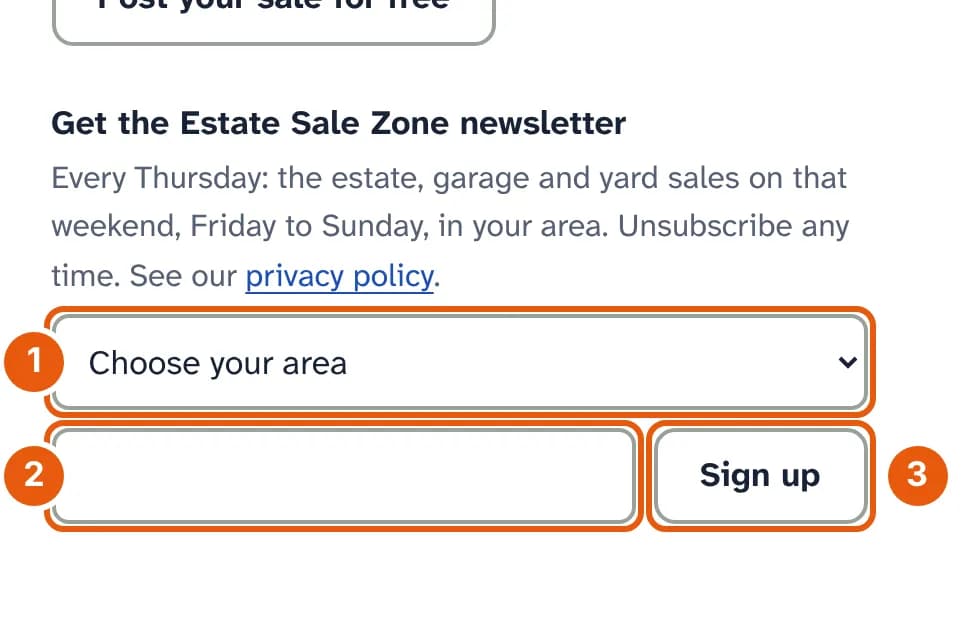
- Choose your area: San Diego, Los Angeles or Orange County.
- Your email address.
- Tap Sign up.
Every newsletter has an unsubscribe link at the bottom.