How to see past sales in a town
By Rory at Estate Sale Zone · Published
Written, edited and reviewed by Rory before publishing. How we make guides
Open a town's page, such as Estate Sales in San Diego, and under Recent sales tap the link to all its past sales. You get every estate sale, or every garage, yard and moving sale, we listed in that town that has ended, the most recent first. A sale that has ended links there too, under This sale has ended.
Anyone, without an account.
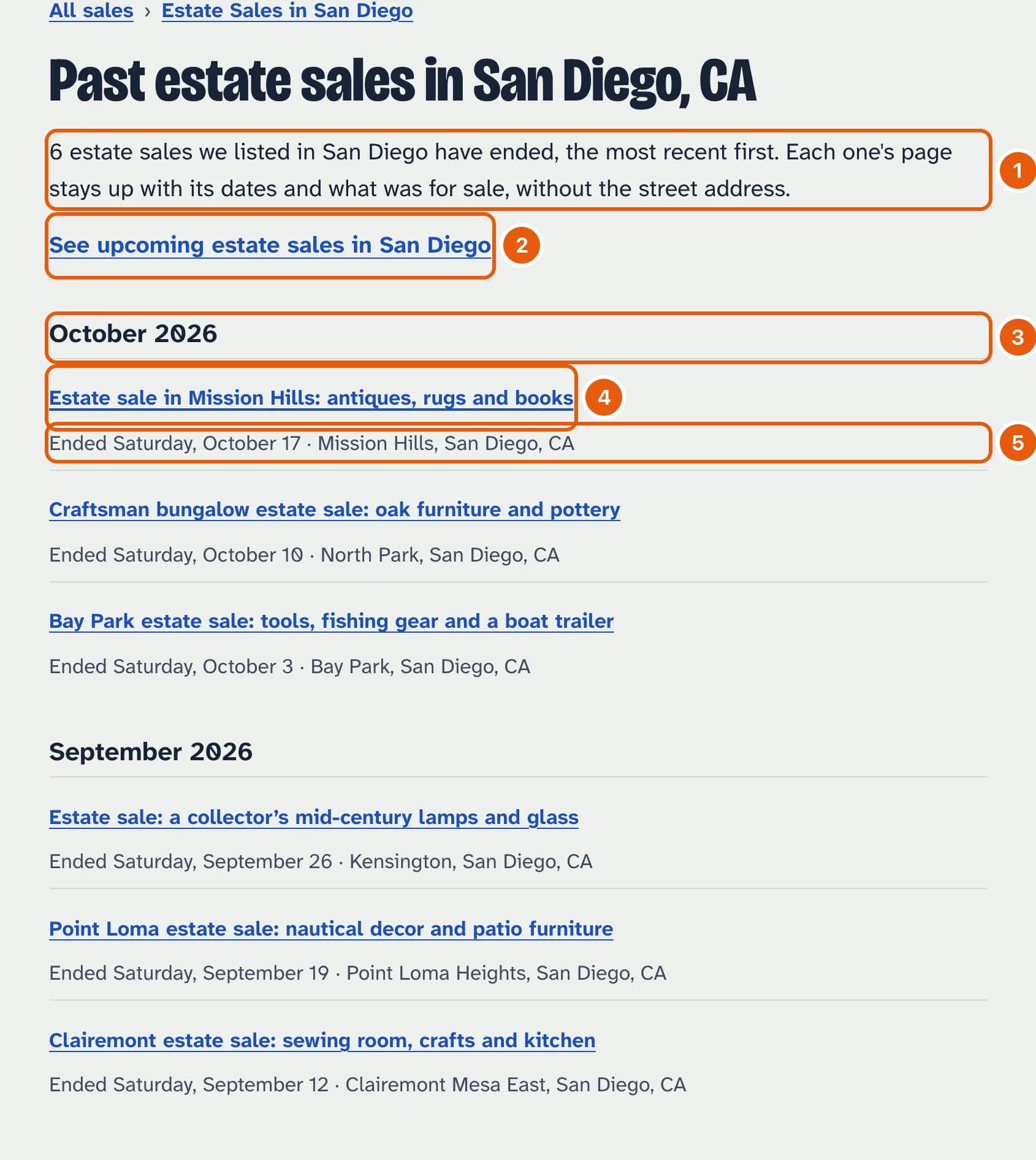
- How many have ended in the town since we started listing its sales.
- Back to the sales coming up in the town.
- The sales are grouped by the month they ended in.
- Tap a sale to see its page: its dates, its description and its photos. The street address is taken off once a sale ends.
- The day it ended, and where in town it was.
There are 50 sales to a page. In a town with more, Older sales and Newer sales at the bottom move between pages.
Every town we've listed a sale in keeps its page, even when nothing is coming up there, so its past sales stay listed. A sale whose town we never found (some Craigslist posts give no address) isn't in any town's list, but its own page stays up.